This is Lesson 6 of our 10-part series on new Windows 11 features (Version 25H2).
Task Manager Trouble? Find Out How to Get a “Clear Performance” View!
Ever feel like your computer’s brain (the CPU City!) is totally jammed up, and the numbers on your Task Manager just don’t make sense?
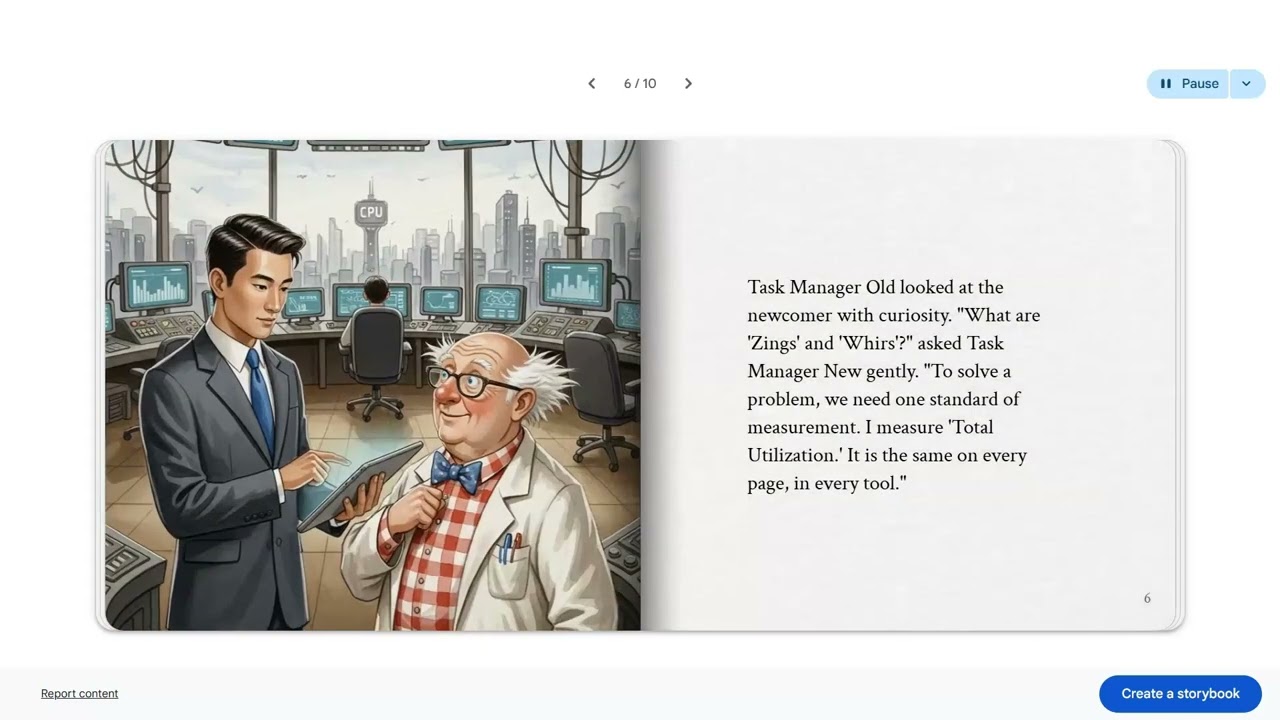
Meet Task Manager Old, who measures CPU energy with confusing “Zings” and “Whirs,” and the calm, modern scientist, Task Manager New. See how they team up to stop a city-wide traffic jam caused by a tiny, greedy program!
This animated story explains a major improvement in Windows 11 (version 25H2): getting Consistent CPU Metrics. Discover how this change makes it super easy to spot the real problem and keep your computer running smoothly—no complicated tech jargon needed!
Click to see the secret to consistent, clear CPU performance and how to fix a slow computer!
I used ZOOM Clips, Gemini, Storybook, and ScreenPal to put this together.
You can find all the completed episodes at: https://youtube.com/playlist?list=PL1_9cbkt8g23Aue9PzXtjiTR-okGOLyDO&si=v25YWcmoTbx4VsrG